
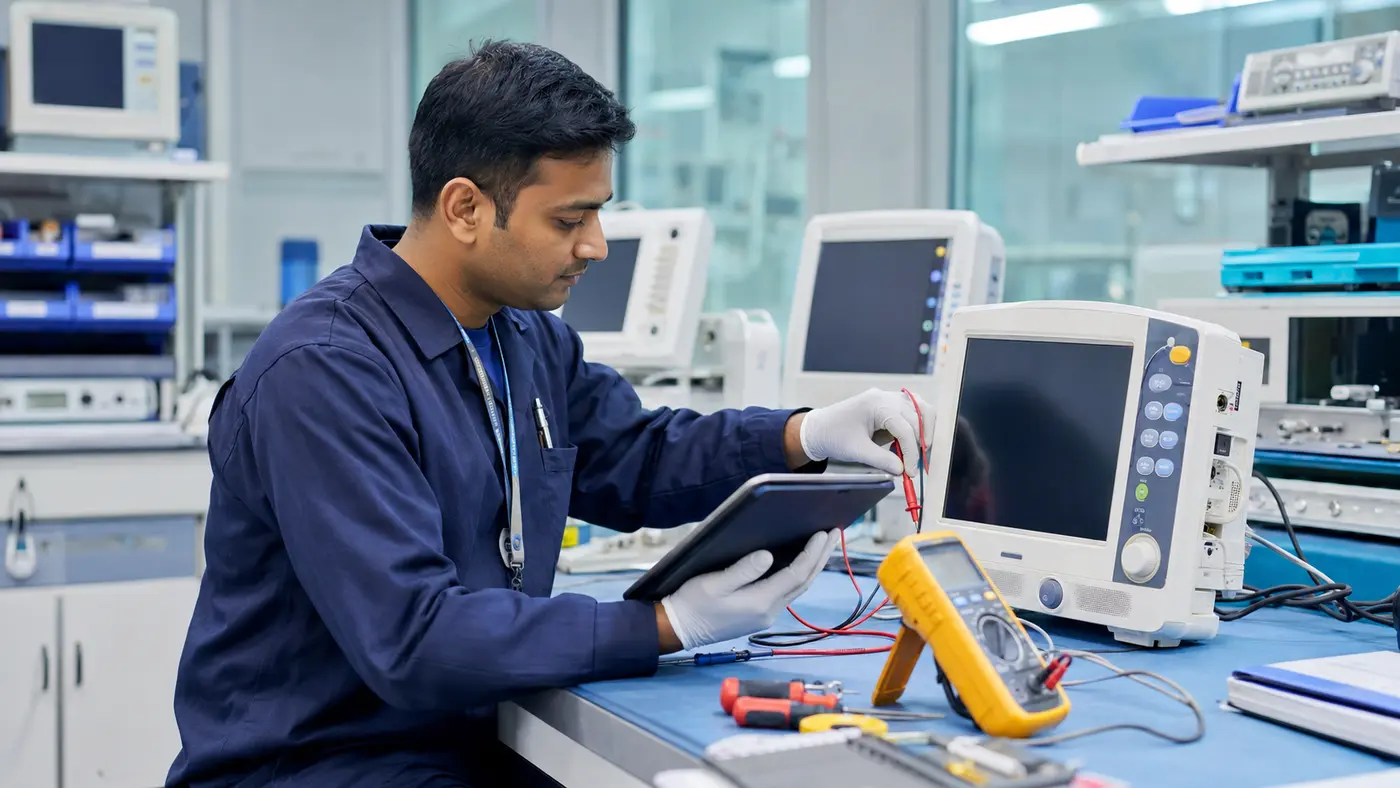
A medical equipment preventive maintenance checklist gives hospital engineering teams a consistent way to inspect, service and document clinical assets before avoidable problems interrupt care. The checklist must still follow manufacturer instructions and facility procedures. Its purpose is to prevent important steps from being missed and to create a usable service record.
One generic form is not enough for every device. A ventilator, defibrillator, autoclave, laboratory analyser and hospital bed have different risks and technical requirements. Hospitals need a common control framework supported by equipment-specific tasks.
Related service language may include biomedical maintenance schedule, hospital device inspection, planned equipment servicing, clinical asset upkeep, or preventive service programme.
Medical equipment preventive maintenance checklist framework
Start with asset identity. A service record without the correct asset number, serial number and location can become impossible to trace. Confirm manufacturer, model, department, responsible person, risk class, warranty or contract status and the last service date.
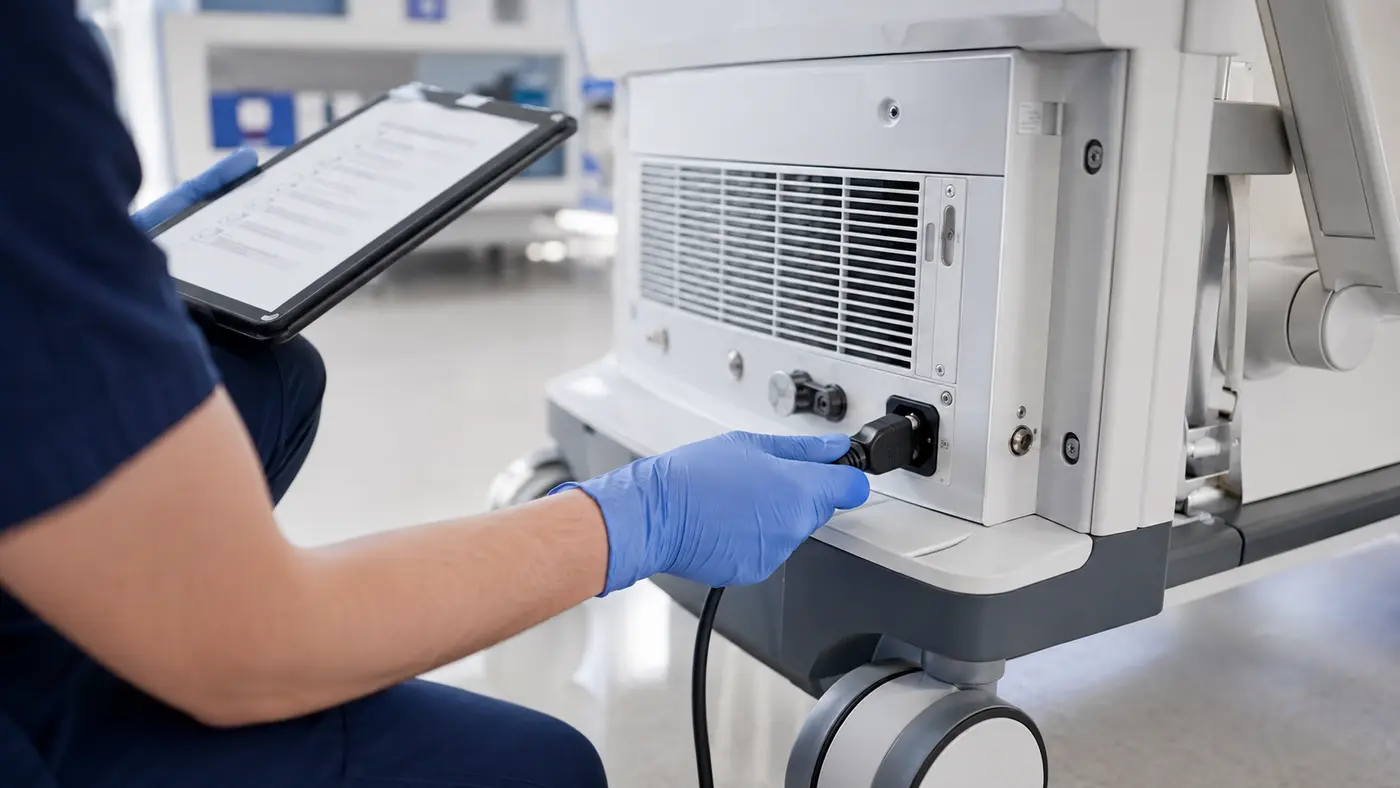
Before beginning the inspection
- Review manufacturer maintenance instructions and safety precautions.
- Check previous service reports, faults and open recommendations.
- Confirm the equipment is available and safely released for service.
- Identify required tools, test equipment and replacement items.
- Record condition before work and note any user-reported issue.
Coordinate with the department so critical services have suitable backup arrangements. Maintenance should not create unmanaged clinical downtime.
Visual, mechanical and electrical checks
Inspect the enclosure, wheels, brakes, mounts, connectors, cables and controls for damage or wear. Look for contamination, corrosion, loose parts, blocked ventilation and evidence of liquid entry. Confirm labels remain readable and accessories are compatible.
Power, battery and electrical-safety tasks should follow equipment-specific instructions and the facility's approved procedures. Never apply a generic electrical test where the manufacturer requires a different method.
- Power cord, plug, fuse and strain relief condition
- Battery charge, age, runtime or replacement indication
- Display, keys, knobs, indicators and alarm operation
- Moving parts, locks, casters and mechanical stability
- Fans, filters, airways and ventilation openings
Functional and performance verification
Run the functions used in normal clinical operation. Test alarms and safety interlocks as specified. Compare measured outputs with appropriate test equipment where required. Calibration is a separate controlled activity and should be scheduled or recorded when a measurement function needs traceable verification.
Cleaning, software and accessories
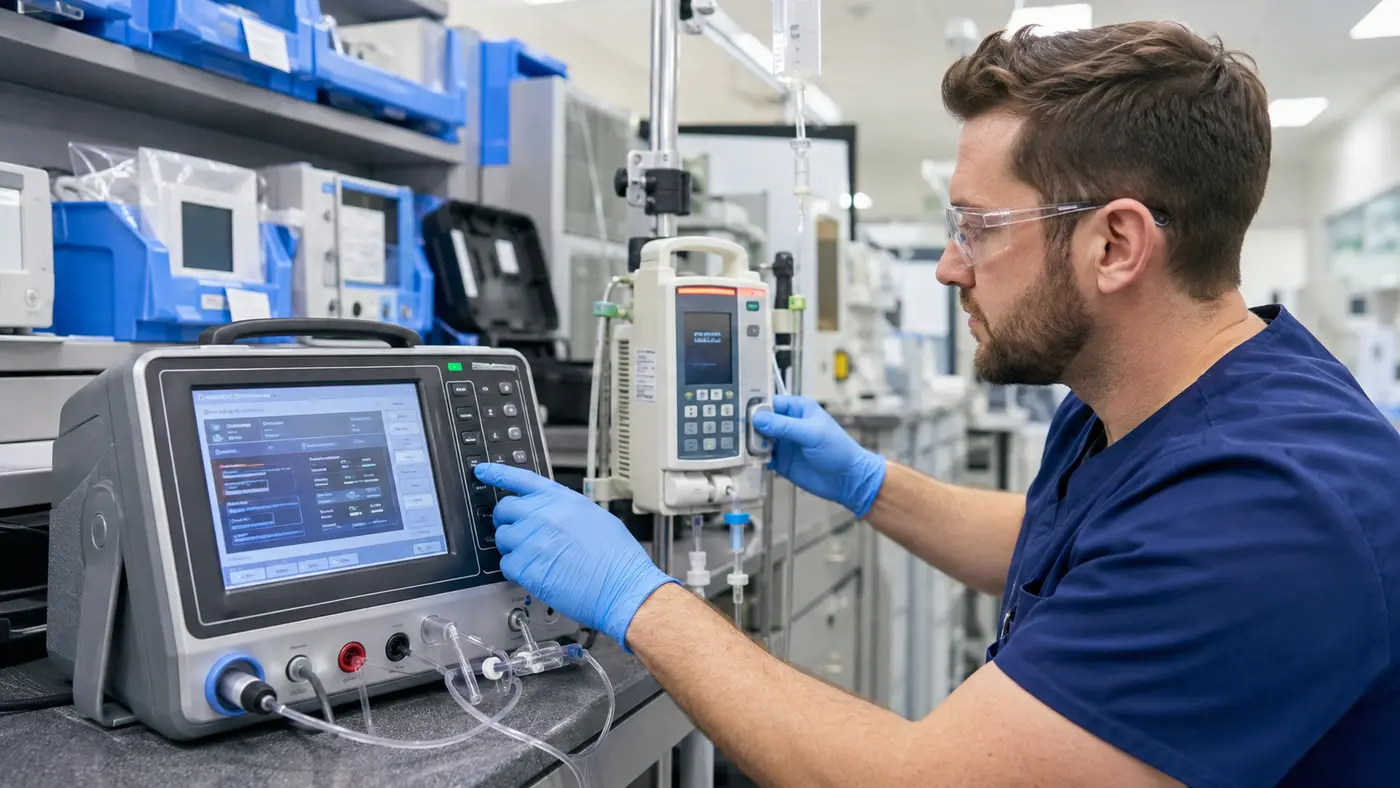
Use approved cleaning methods and materials. Review replaceable filters, tubing, seals, probes, sensors and other accessories according to manufacturer guidance. Where software or firmware affects operation, record the installed version and follow authorised update procedures. Do not install unverified updates during routine maintenance.
Close the work order correctly
A completed checklist should record readings, parts replaced, adjustments, cleaning, test results, unresolved issues and the final status. If the equipment is unsafe or fails acceptance criteria, label and isolate it according to hospital policy. Do not return it to service simply because the planned visit is complete.
- Record all findings and actions.
- State pass, restricted use, repair required or out-of-service status.
- Obtain technical sign-off and department acknowledgement.
- Update the service-history record and next planned date.
- Track recommendations until formally closed.
The National Health Mission technical manual includes structured equipment identification, location, functional status and preventive-maintenance documentation. These controls are useful foundations for a facility programme.
Turn the checklist into a maintenance system
Use the asset inventory to generate a monthly schedule based on risk, manufacturer guidance, usage and service history. Track completion rate, overdue assets, repeat failures, response time and equipment unavailable for service. Data reveals where a checklist is being completed mechanically without resolving underlying problems.
BioMed supports scheduled inspection, servicing, performance checks and maintenance records. Hospitals can review preventive maintenance services and compare ongoing coverage through the AMC and CMC guide.
Review the medical equipment preventive maintenance checklist
Clinical users and biomedical engineers should periodically review each device-specific form. Update tasks after manufacturer notices, recurring faults, incidents, equipment upgrades or changes in use. Retire irrelevant steps instead of allowing the form to become a box-ticking exercise.
A strong medical equipment preventive maintenance checklist makes work traceable, repeatable and risk focused. When supported by trained personnel, correct test methods and disciplined follow-up, it helps hospitals improve asset visibility and reduce preventable disruption.